The Complete Guide to Laravel Queues: From Basics to Production
Master background job processing in Laravel. Learn queue drivers, job retries, batching, rate limiting, and monitoring strategies.
SenpaiDev
Author
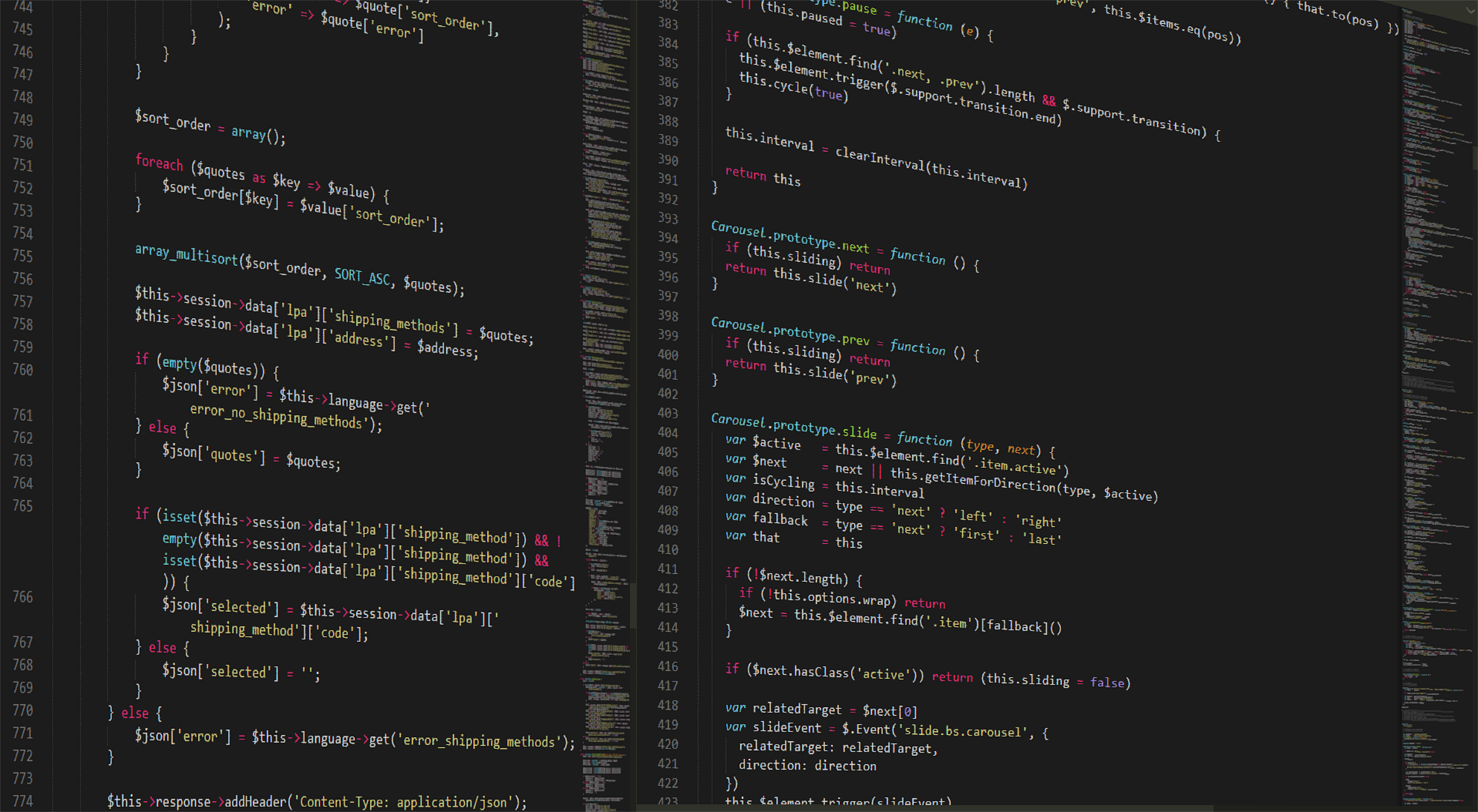
Queues are essential for building responsive applications. Any task that takes more than a few hundred milliseconds — sending emails, processing images, generating reports — belongs in a queue.
Choosing the Right Queue Driver
Laravel supports several queue backends. Database is perfect for getting started with zero infrastructure. Redis offers better performance for high-throughput applications. SQS is ideal for auto-scaling cloud deployments where you want AWS to manage the infrastructure.
Creating Robust Jobs
A well-designed job is idempotent — running it multiple times produces the same result. Use database transactions, unique job IDs, and the ShouldBeUnique interface to prevent duplicate processing. Always define $tries, $backoff, and $timeout properties.
Job Batching for Complex Workflows
Laravel's job batching lets you dispatch a group of jobs and execute callbacks when the entire batch completes. Use batches for import/export operations: dispatch one job per CSV row, then send a completion notification when all rows are processed.
Handling Failures Gracefully
Implement the failed() method on your jobs to handle failures — notify admins, log context, or queue a compensating action. Use php artisan queue:failed to inspect and retry failed jobs.
Monitoring in Production
Use Laravel Horizon for Redis-based queues to get a beautiful dashboard with real-time metrics, job throughput graphs, and automatic balancing across queue workers. For database queues, build a simple monitoring endpoint that checks the jobs table count.
A properly configured queue system transforms your application from one that makes users wait to one that responds instantly and handles work reliably in the background.
Laravel field notes
How To Apply This In A Real Laravel App
Queues turn slow work into reliable background work only when jobs can be retried safely and monitored clearly.
Job design example
A good email digest job stores the digest ID, not a full serialized user list. On retry, the job can reload current data, skip users who unsubscribed, and record the send attempt.
Set timeout, tries, and backoff deliberately. Defaults are fine for local experiments, but production jobs need limits that match the service they call and the cost of repeating the work.
Implementation approach
Start with one route, one controller or action, and one test that proves the expected behavior. Once the path is stable, extract shared code into a service class or action only if a second caller needs it.
For production work, keep config in environment variables, cache expensive reads, and add clear failure states. A feature that works locally but fails silently in a queue, scheduler, or cached config environment is not ready for users.
Review Checklist
- Make jobs idempotent before increasing retries.
- Track failed jobs and alert when the queue stops draining.
- Keep payloads small and reload fresh models inside the job.
- Add a feature or regression test before changing shared behavior.
- Run the route through production-like cache settings with config and route caching enabled.
- Check authorization, validation, and error responses before exposing the feature publicly.
- Document any non-obvious tradeoff in the code or guide notes so future edits stay honest.
Related tools
Use these tools with this guide
JSON Formatter & Validator
Format, validate and minify JSON data with syntax highlighting.
Hash Generator
Generate SHA-256, SHA-384, SHA-512, and SHA-1 hashes from text using the Web Crypto API.
URL Encoder / Decoder
Encode or decode URLs and query strings with percent-encoding. Supports encodeURI and encodeURIComponent.
Written by
SenpaiDev
Publisher at SenpaiDev, maintaining practical guides and browser tools for everyday digital work.
Comments (0)
Join the conversation
Log in to commentNo comments yet. Be the first to share your thoughts!